Lighting Visualiser – See Your Room in a New Light
Bring your home to life with our interactive Lighting Visualiser. Upload a photo of your own space and instantly try out pendant lights, floor lamps, wall lights and table lamps from our collection. It’s the easiest way to picture how each design will look before you buy.
How to use
Upload your own room photo by clicking the Choose File tab
Your image must be in JPEG/PNG format and below 8MB
Explore the collection of images and click on the image you wish to try
Place the fitting in your intended space and use the dots to expand/shrink the image to fit.
When your happy with the look your image can be downloaded by clicking the Download Result tab and saved to your device.
Get inspired and shop directly from each design you try
1) Upload your room photo
Tip: Stand back, shoot straight-on if you can. JPEG/PNG under 8MB.
Click or drag a lamp from the gallery into your photo. Drag to move; use corner to resize; curved handle to rotate.
[visualizer_gallery]
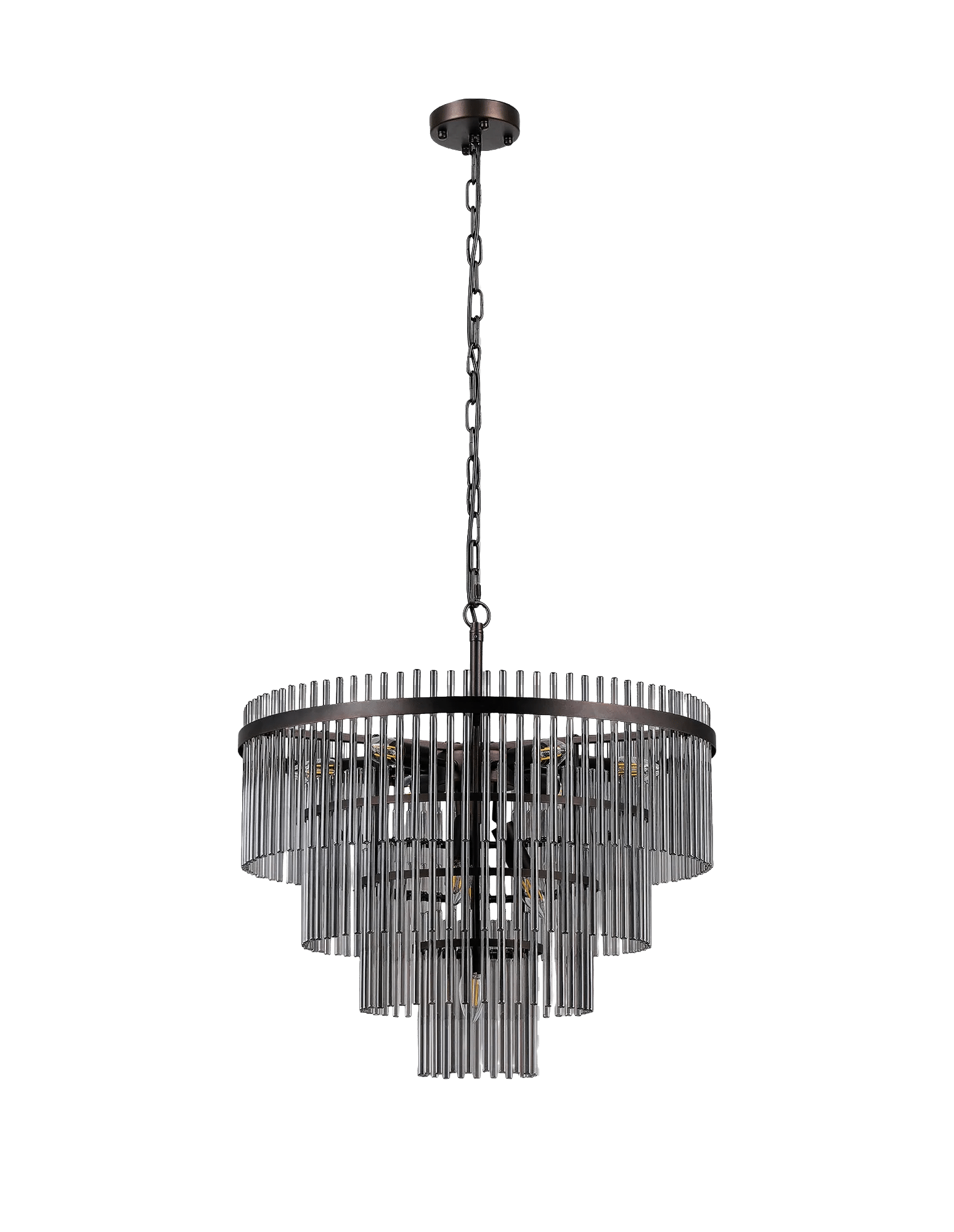
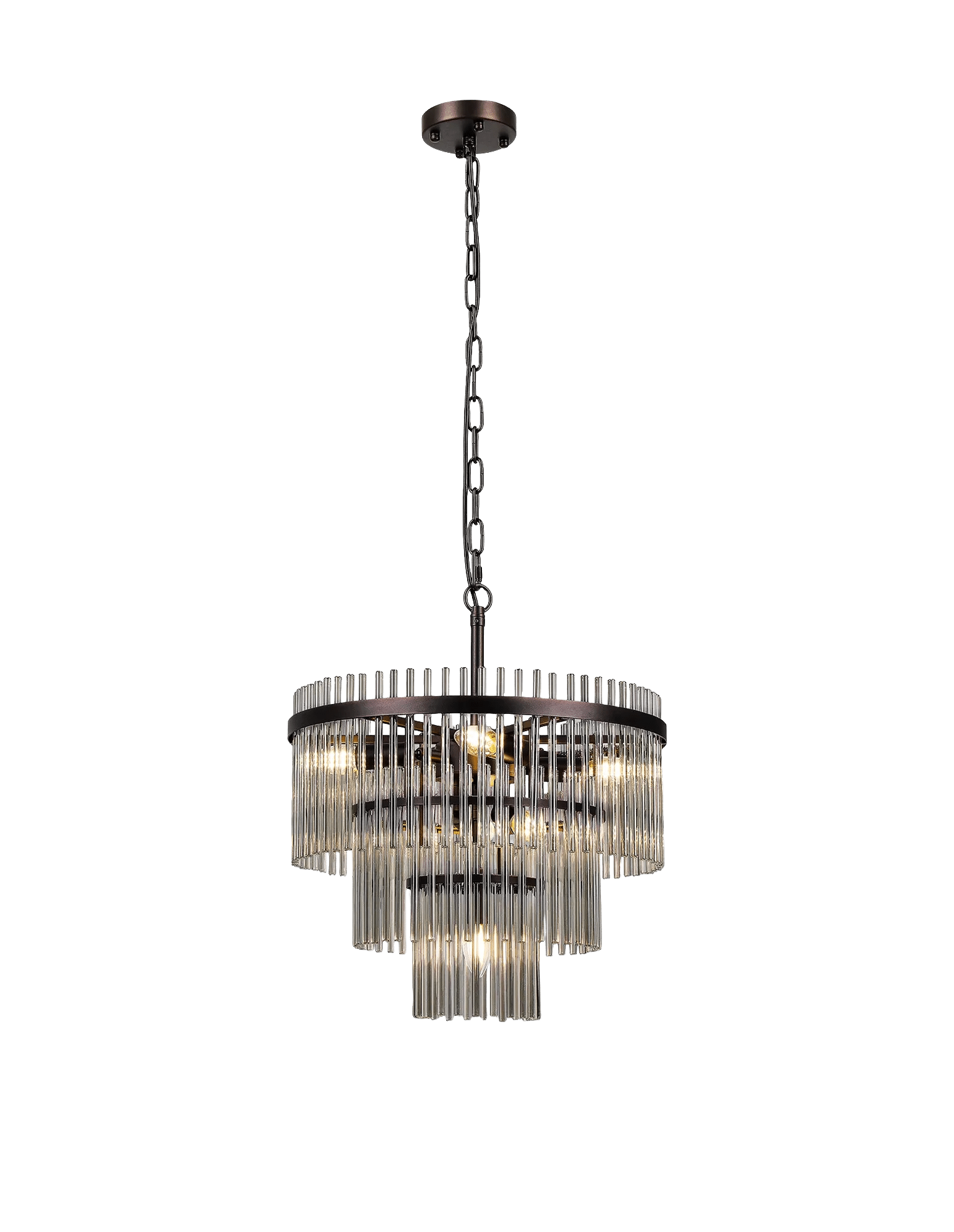
Aquilla 22 light Brown Oxide/Smoke
Aquilla 22 light Brass/Smoke
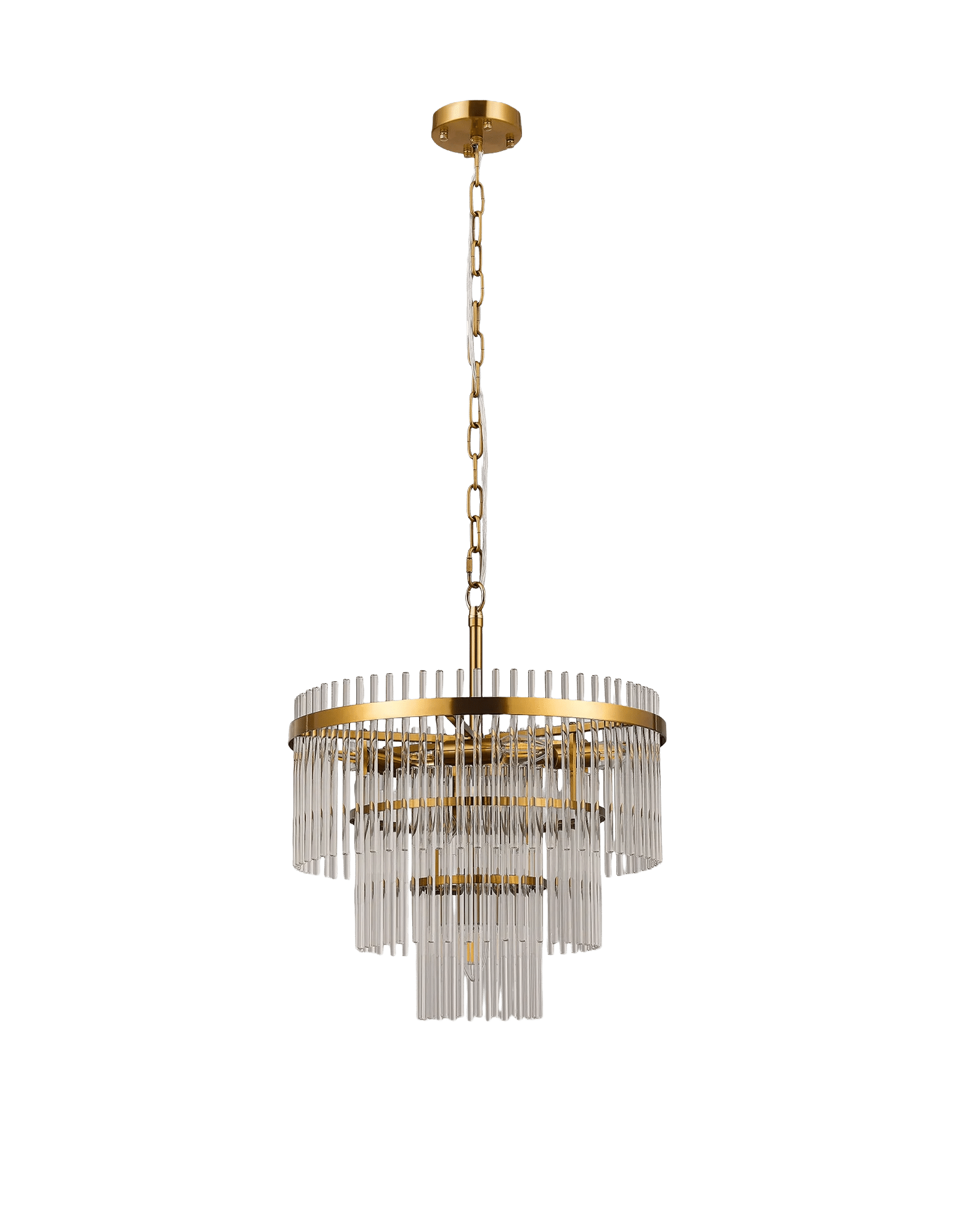
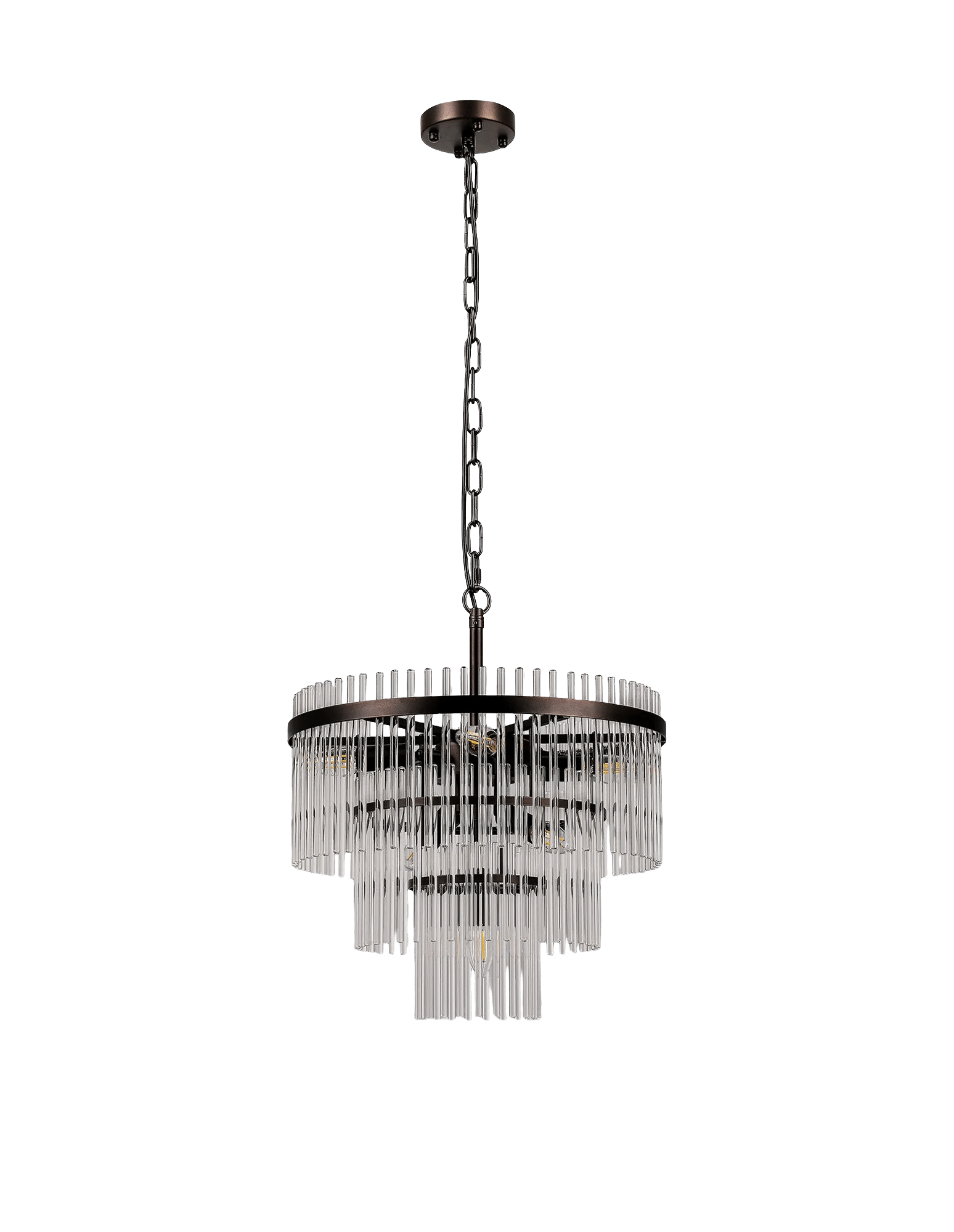
Aquilla 22 light Brass/Clear
Aquilla 10 light Brown Oxide/Smoke
Aquilla 10 light Brass/Clear
Aquilla 10 light Brass/Smoke
Aquilla 7 light Brown BrassSmoke
Aquilla 17 Light Brass/Smoke
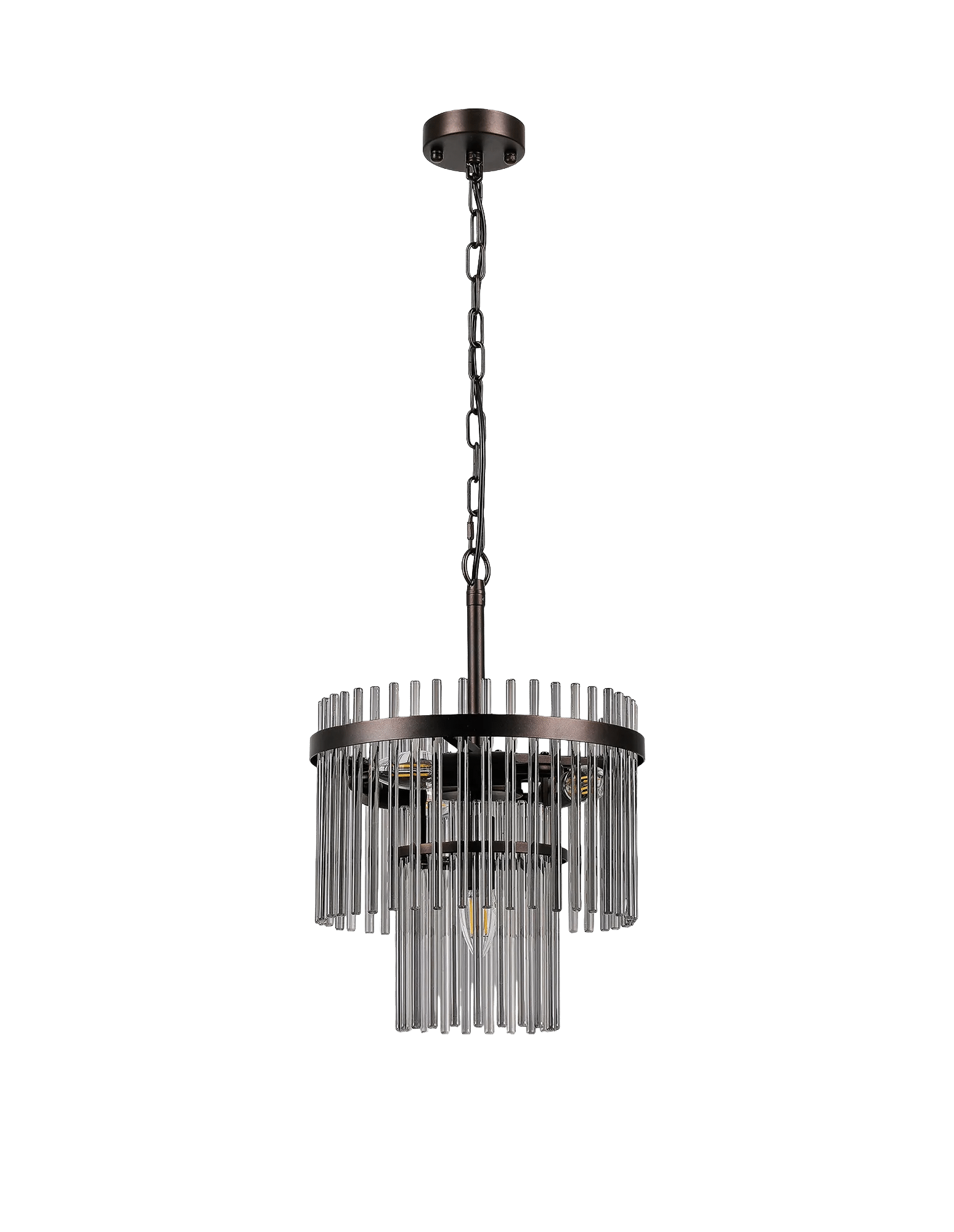
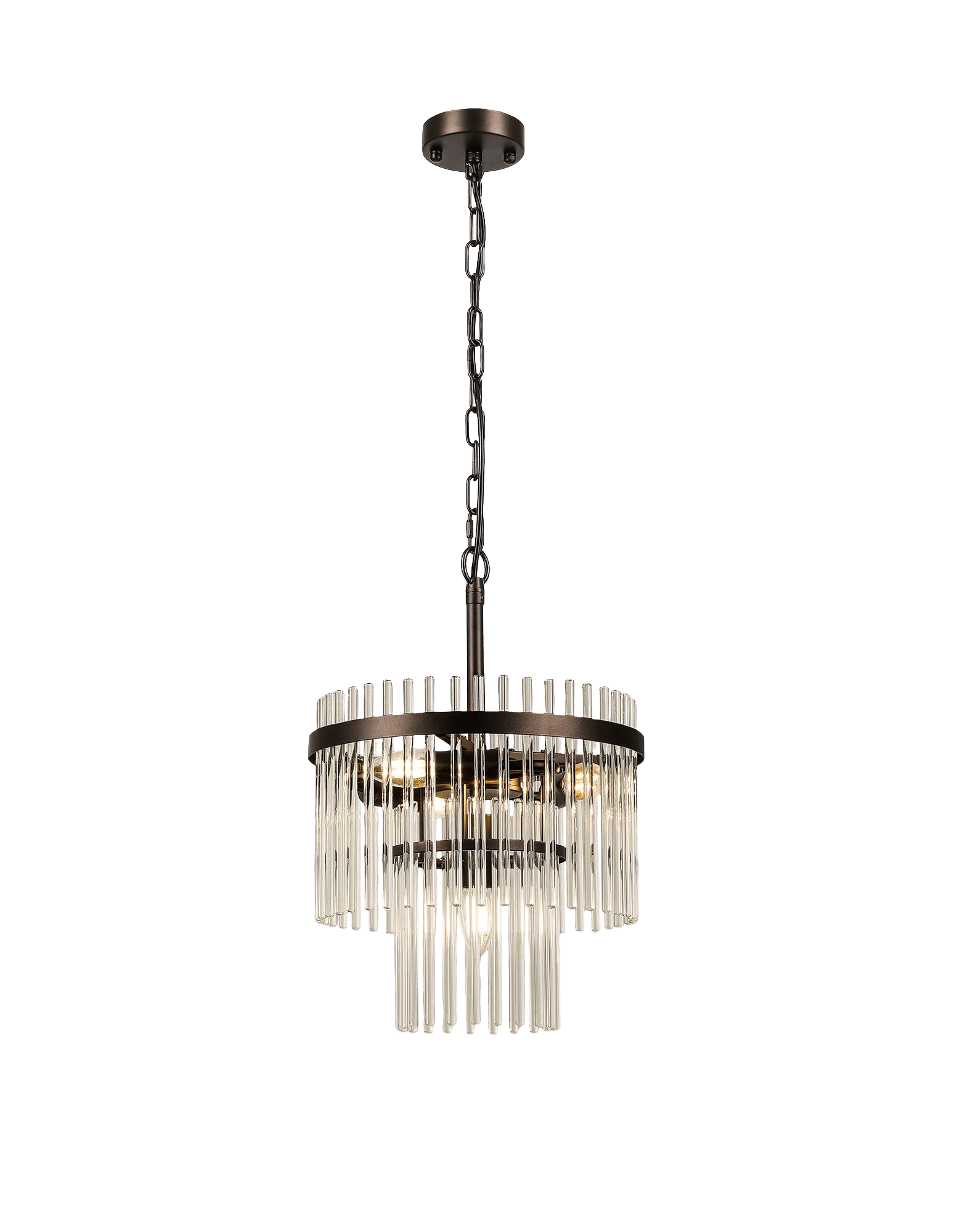
Aquilla 4 Light Brass/Clear
Aquilla 4 Light Brown Oxide/Smoke
Aquilla 4 Light Brown Oxide/clear
Aquilla 4 Light Brown Brass/Smoke
Aquilla 7 Light Brass/Clear
Aquilla 7 light Brown Oxide/Smoke
Aquilla 7 light Brown Oxide/Smoke
We use cookies on our website to give you the most relevant experience by remembering your preferences and repeat visits. By clicking “Accept All”, you consent to the use of ALL the cookies. However, you may visit "Cookie Settings" to provide a controlled consent.
This website uses cookies to improve your experience while you navigate through the website. Out of these, the cookies that are categorized as necessary are stored on your browser as they are essential for the working of basic functionalities of the website. We also use third-party cookies that help us analyze and understand how you use this website. These cookies will be stored in your browser only with your consent. You also have the option to opt-out of these cookies. But opting out of some of these cookies may affect your browsing experience.
Necessary cookies are absolutely essential for the website to function properly. These cookies ensure basic functionalities and security features of the website, anonymously.
Cookie
Duration
Description
cookielawinfo-checkbox-analytics
11 months
This cookie is set by GDPR Cookie Consent plugin. The cookie is used to store the user consent for the cookies in the category "Analytics".
cookielawinfo-checkbox-functional
11 months
The cookie is set by GDPR cookie consent to record the user consent for the cookies in the category "Functional".
cookielawinfo-checkbox-necessary
11 months
This cookie is set by GDPR Cookie Consent plugin. The cookies is used to store the user consent for the cookies in the category "Necessary".
cookielawinfo-checkbox-others
11 months
This cookie is set by GDPR Cookie Consent plugin. The cookie is used to store the user consent for the cookies in the category "Other.
cookielawinfo-checkbox-performance
11 months
This cookie is set by GDPR Cookie Consent plugin. The cookie is used to store the user consent for the cookies in the category "Performance".
viewed_cookie_policy
11 months
The cookie is set by the GDPR Cookie Consent plugin and is used to store whether or not user has consented to the use of cookies. It does not store any personal data.
Functional cookies help to perform certain functionalities like sharing the content of the website on social media platforms, collect feedbacks, and other third-party features.
Performance cookies are used to understand and analyze the key performance indexes of the website which helps in delivering a better user experience for the visitors.
Analytical cookies are used to understand how visitors interact with the website. These cookies help provide information on metrics the number of visitors, bounce rate, traffic source, etc.
Advertisement cookies are used to provide visitors with relevant ads and marketing campaigns. These cookies track visitors across websites and collect information to provide customized ads.